Mathesar 0.10.0
Summary
Mathesar 0.10.0 adds UI support for existing PostgreSQL ENUM columns, introduces a custom User data type for storing references to Mathesar users, and introduces lightweight attribution tracking for changes to records. Mathesar’s UI is also now available in two new languages – Spanish and French.
This release also includes a few other bug fixes and maintenance upgrades, and removes official support for Python 3.9. Mathesar’s official deployment methods now use Python 3.14.
This page provides a comprehensive list of all changes in the release.
Security Fixes
This release fixes two access-control issues in database-scoped RPC methods.
Previously, authenticated users could access some Mathesar-managed metadata, and in some cases read, replace, or delete saved explorations, for databases where they were not collaborators. These issues did not grant access to underlying PostgreSQL table data, expose database credentials, or bypass PostgreSQL permissions.
Users should upgrade during their normal maintenance window.
- Fixed missing collaborator checks for database-scoped metadata RPC methods. See GHSA-jh9v-hqw8-5cq8.
- Fixed missing collaborator checks for saved exploration RPC methods. See GHSA-wf8r-g5rp-w69f.
Related work: 23ddcac
Improvements
User data type
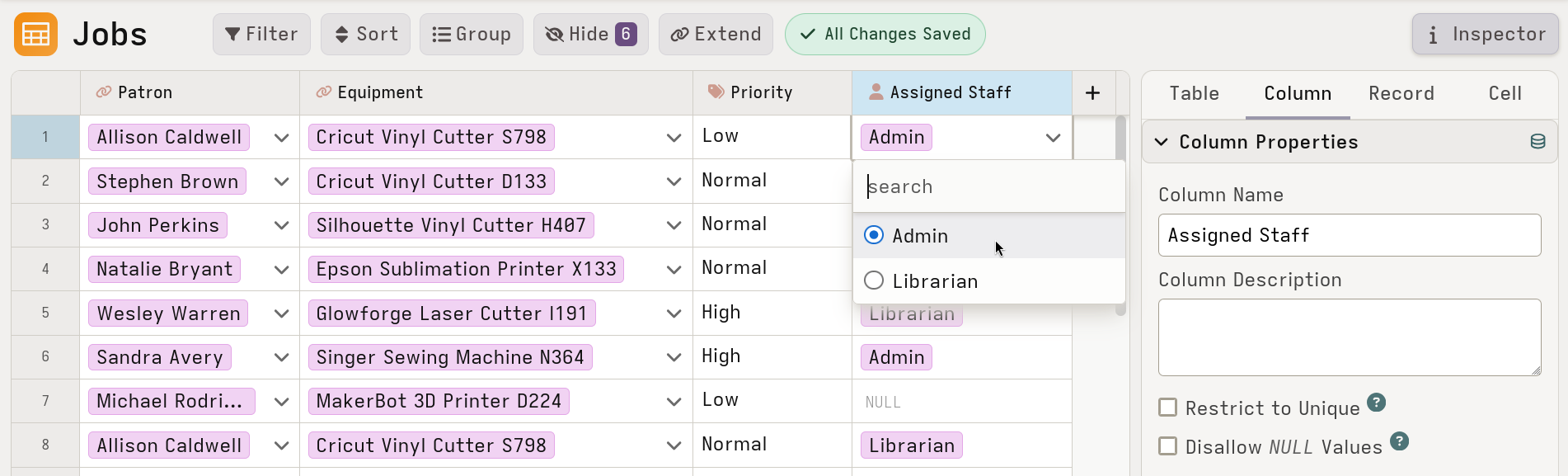
Editing a User-typed cell shows a searchable dropdown of Mathesar users.
We now have a custom User data type for columns to be able to store references Mathesar users. You can use it for building workflows inside Mathesar, for fields such as assignee, owner, reviewer, or point of contact.
Users in these columns can be displayed by username, display name, or email address, and selected from a searchable list when editing cells. User columns also support default values, including setting a specific default user for new rows. We do not currently support adding User columns to forms.
Related work: #4997
Last editor tracking
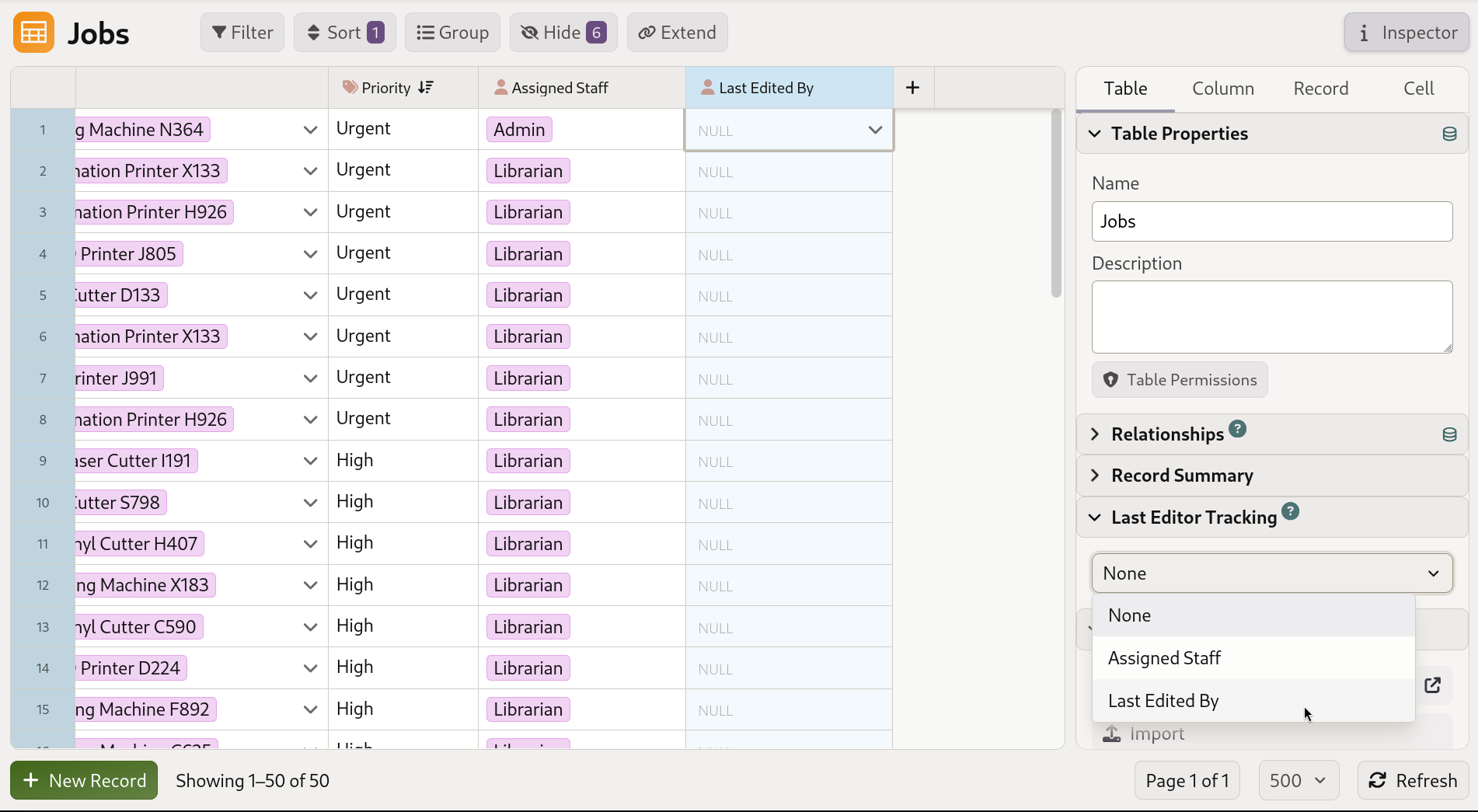
Configure last editor tracking in the Table Inspector by selecting a User column.
You can designate a column with a user data type to automatically store the current Mathesar user whenever a record is added or updated through Mathesar’s UI or API. This is configured at the table level and disables the ability to manually edit the column.
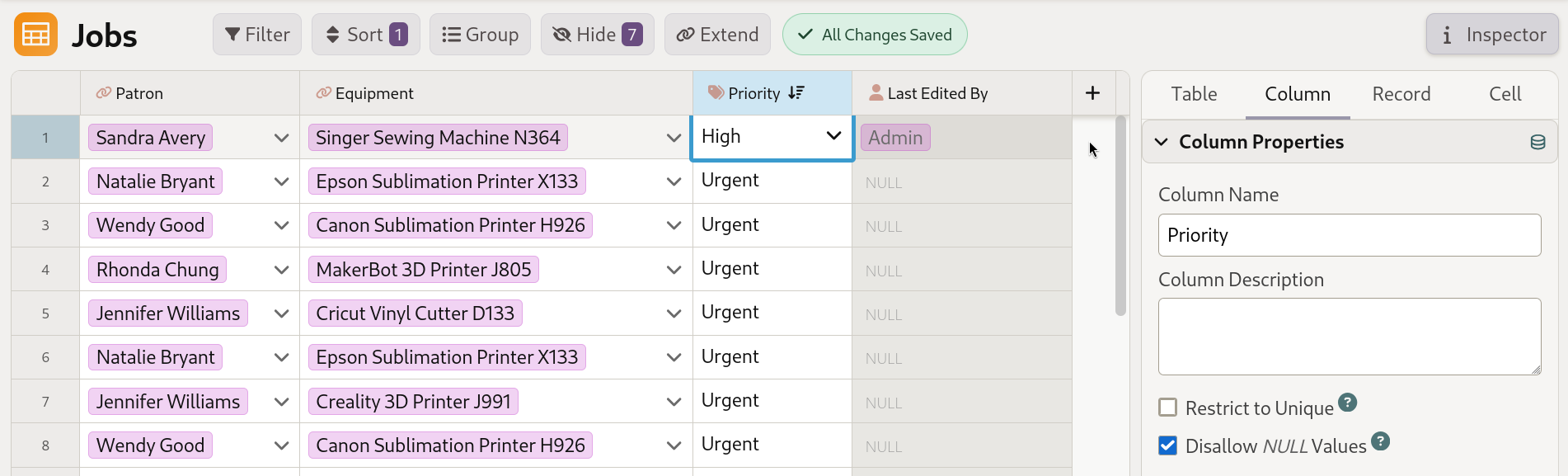
The selected User column is updated automatically whenever a record is created or edited in Mathesar.
UI support for PostgreSQL ENUM columns
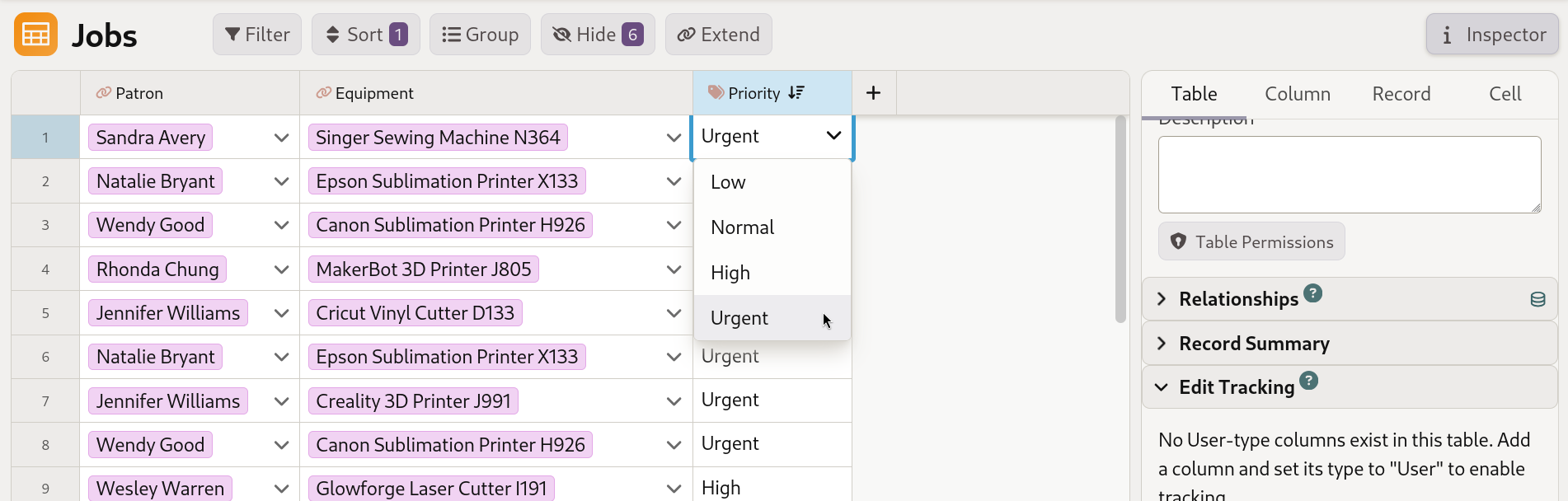
ENUM columns now render as a dropdown of their valid values when editing cells.
Previously, Mathesar’s UI rendered PostgreSQL ENUM columns as text fields that were validated at the database level. Now, ENUM columns show dropdowns with all the possible choices to make data entry simpler and quicker.
Related work: #5227
Spanish and French UI
Mathesar’s UI is now fully translated into Spanish and French. Thank you Axell Padilla for the Spanish translations and Jérôme Perez for the French translations!
Related work: #5229
Configurable bind address
Mathesar’s bind address in the direct installation method is now configurable via a command-line option. This gives administrators more control over network exposure in deployments.
Related work: #5218
Bug fixes
- Fix record ordering for non-orderable PostgreSQL types #5152
Documentation
Maintenance
- Update to Python 3.14, remove 3.9 and PG 13 from tests #5249
- Bump requests from 2.32.4 to 2.33.0 #5231
- Bump requests from 2.32.4 to 2.33.0 in /api_tests #5232
- Bump cairosvg from 2.8.2 to 2.9.0 #5225
- Bump black from 24.3.0 to 26.3.1 in /docs #5224
- Bump django from 4.2.28 to 4.2.29 #5222
- Bump django from 4.2.27 to 4.2.28 #5202
- Bump django-allauth from 65.9.0 to 65.14.1 #5239
- Bump pillow from 11.3.0 to 12.1.1 #5210
- Run python tests on dependency version changes #5253
- Merge 0.9.0 release branch into develop #5205
Upgrading to 0.10.0
PostgreSQL 13 and Python 3.9 no longer supported
Mathesar 0.8.0 ended official support for PostgreSQL 13 and Python 3.9. Please upgrade to PostgreSQL 14+ and Python 3.10+ before upgrading to Mathesar 0.10.0.
For installations using Docker Compose
If you have a Docker compose installation, run the command below:
Your installation directory may be different
You may need to change /etc/mathesar/ in the command above if you chose to install Mathesar to a different directory.
For direct installations of Mathesar on Linux, macOS, or WSL
Mathesar provides an install script that automates both fresh installs and upgrades for standalone (non-Docker) installations.
Follow the steps below to upgrade Mathesar:
-
Enter your installation directory into the box below and press Enter to personalize this guide:
- Do not include a trailing slash.
- Do not use any variables like
$HOME.
-
Go to your Mathesar installation directory.
Note
Your installation directory may be different from above if you used a different directory when installing Mathesar.
-
Download and run the install script for 0.10.0
-
Replace your gunicorn systemd service with a Mathesar systemd service
-
Disable and stop the existing gunicorn service
-
Follow the steps in Run Mathesar as a systemd service from the installation guide
-
Remove the gunicorn service file
-
-
Update your Caddyfile
-
Use the configuration shown in Install and configure Caddy in the installation guide, and update your Caddyfile accordingly
-
Ensure that your domains are specified directly in the first line of the Caddyfile
-
Restart your Caddy service
-